
Bump2Baby360 App
Get prepared for pregnancy and beyond
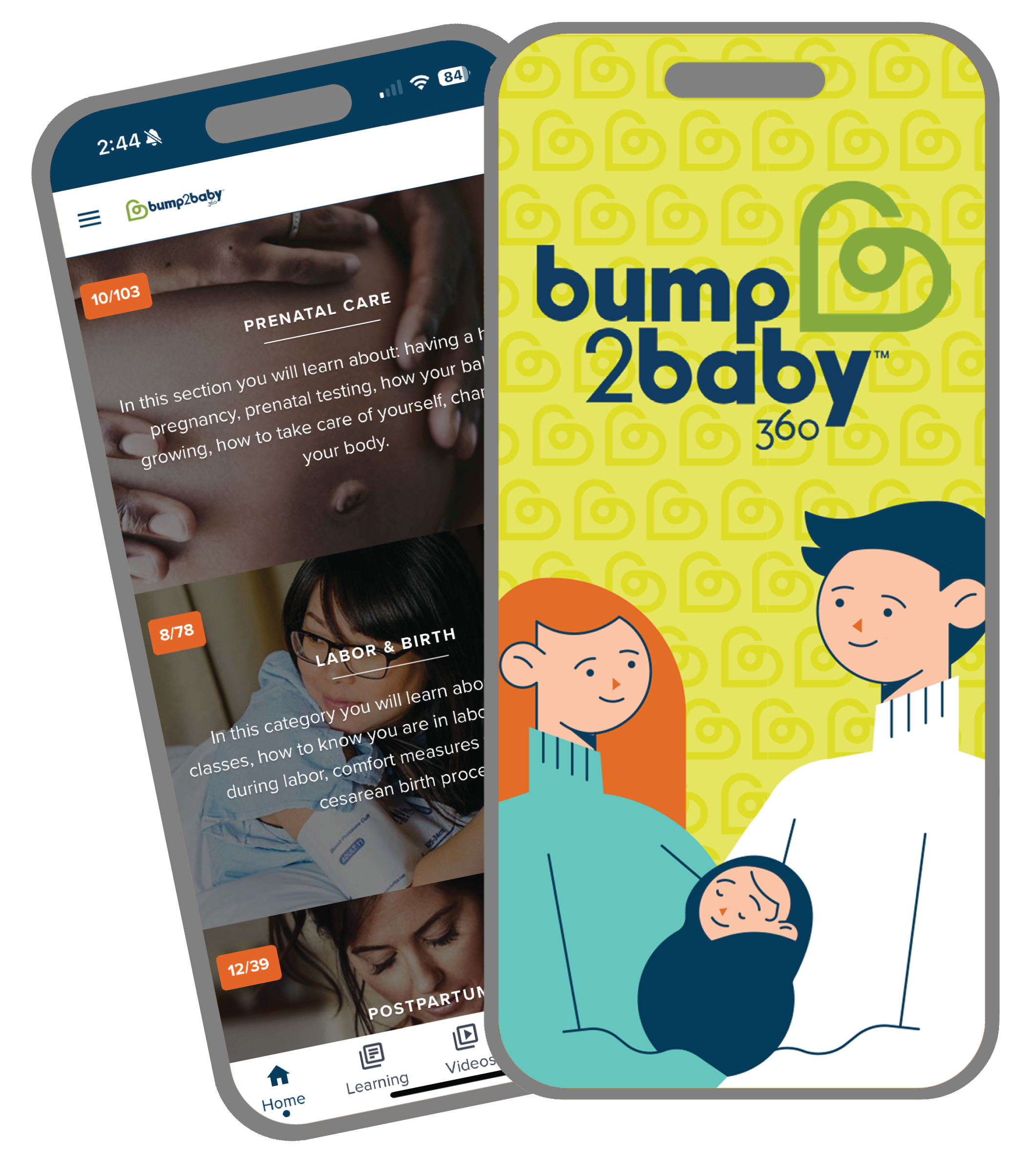
UK King’s Daughters offers easy access to important maternity information through the Bump2Baby360 app, providing information and tools to help track your pregnancy, prepare for baby’s arrival, and navigate the first year of baby’s life.
Bump2Baby360 provides:
- Articles and videos about prenatal care, labor & birth, postpartum, breastfeeding, and newborn care
- Information specific to delivering your baby at King’s Daughters
- Kick counter, contraction timer, personal journal, feeding log, diaper log, and other tools
Register & Download the Bump2Baby360 App
Step 1: Register
Register for the Bump2Baby360 app.
Step 2: Check Your Email
Once registered, you will receive an e-mail from [email protected] with a temporary password and link to log in. If you don’t see the email in your inbox, check your spam folder.
Step 3: Download the App
Once you are logged in, you can access Bump2Baby360 on any browser or download the app.


Disclaimer: The information in Bump2Baby360® is NOT intended to take the place of a healthcare provider or any information that your healthcare provider has discussed with you about your own personal health. It is imperative and advised that you find care and work with your healthcare provider to keep yourself healthy and safe. Always call your healthcare provider with any questions you may have. By creating an account in Bump2Baby360, you have verified that you have read and agree to this disclaimer.